
First, look for the original
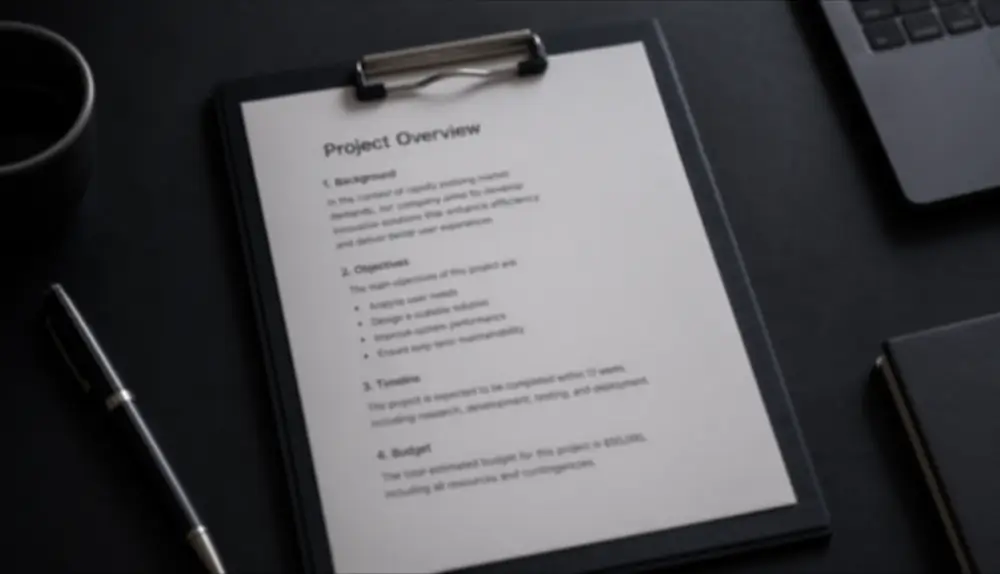
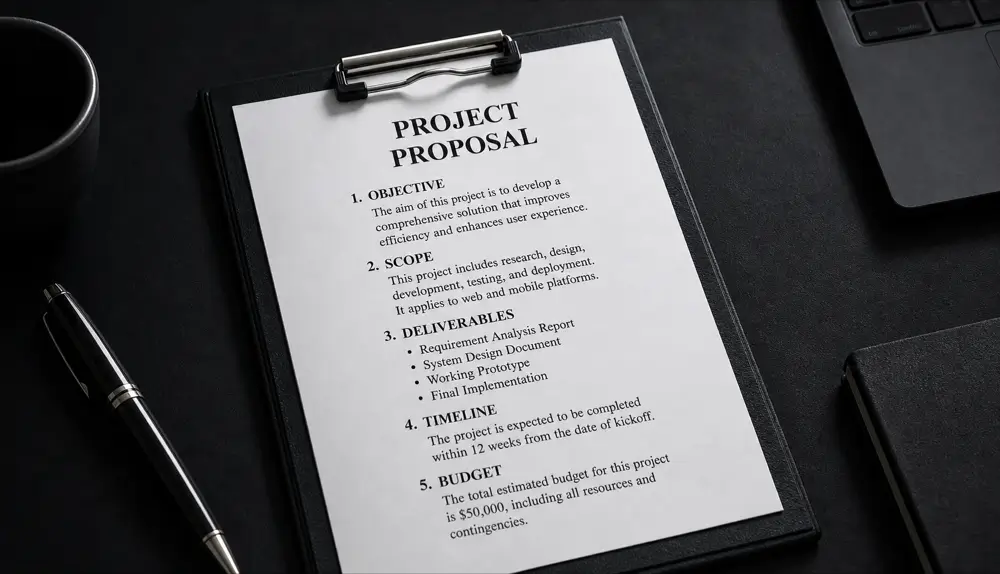
The best fix is a better source. If you can, ask the sender for the original file, or take the screenshot again at full size. If that’s not possible, AI sharpening is the next best option.
Sharpen the text with Qutu
- Open Qutu Web or the Qutu iPhone app and choose Sharpen text.
- Upload the blurry screenshot.
- Qutu rebuilds soft letters into clean, readable strokes while keeping the original layout.
- Compare before and after, then save.
Good candidates
- Screenshots that were resized or forwarded several times
- Slides and documents captured from a video call
- Photos of screens or signs taken from a distance
- Cropped regions you need to zoom into
Tips
- Crop to the text first if the screenshot includes a lot of other content.
- Use the largest copy you have. Each forward through a chat app loses detail.
- For photos rather than text, use HD enhance instead — it’s tuned for faces and scenes.
- Treat the result as a reading aid for critical details such as amounts or codes, and verify them at the source.