
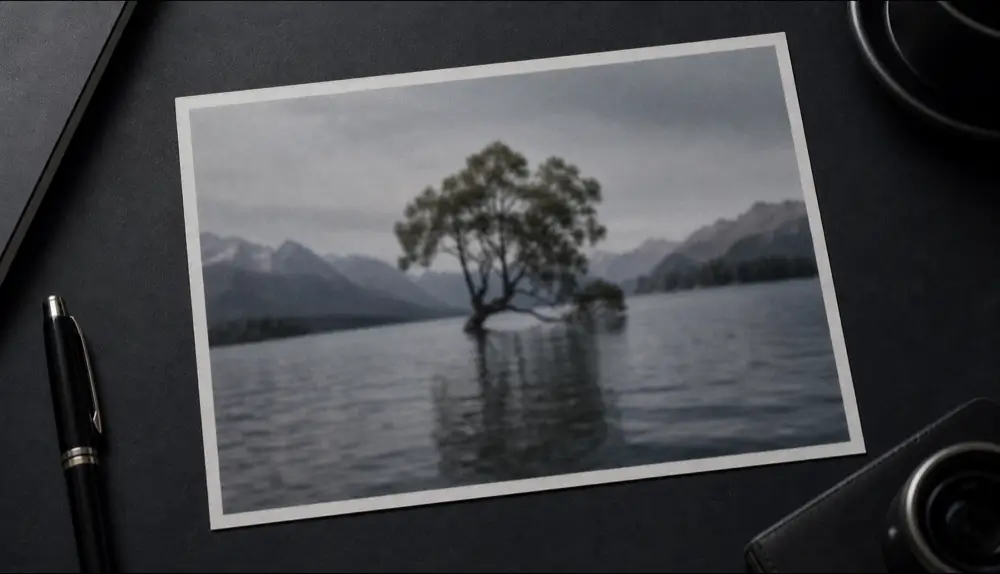
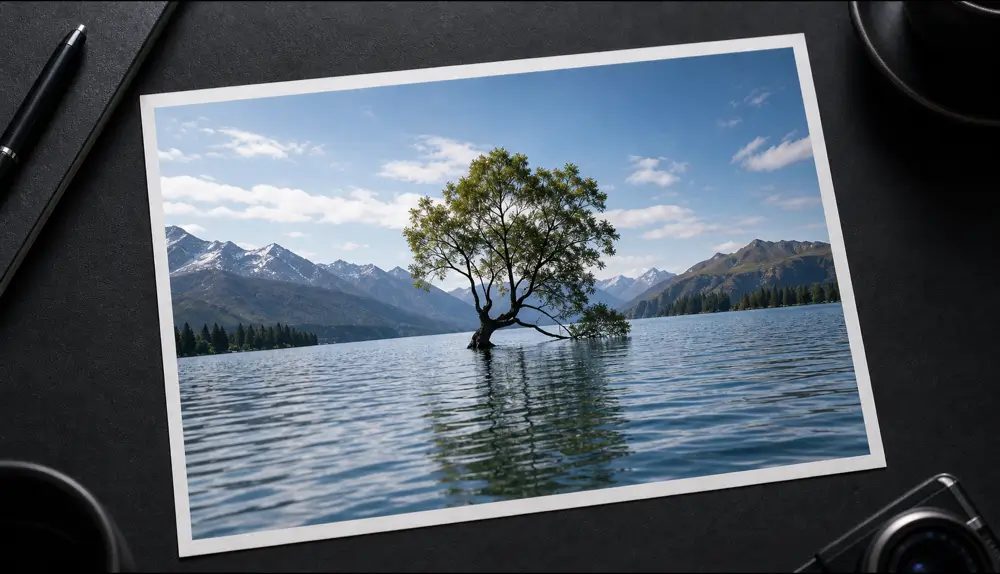
What “unblur” really means
A blurry photo has lost information. Classic tools try to squeeze out the little detail that is left by boosting edges, which also makes noise and compression artifacts stand out. AI enhancement works differently: it predicts the detail that most likely belonged there, based on what similar images look like, and rebuilds it.
That is why AI can turn a 600-pixel crop into something you can print, and why it is also worth checking the result — the AI fills in plausible detail, not a recording of the original scene.
When to use it
- Cropped photos where the subject ended up small.
- Images saved from social media or chats that were heavily compressed.
- Older phone photos taken in low light.
- Product photos that need to look sharp on a listing.
Tips
- Use the biggest, least-compressed version you have.
- If the image has text you need to read, run the text sharpening tool instead — it’s tuned for letters.