AI Image Expander

Expand a photo beyond its edges

Need a vertical story from a horizontal shot, or more room around your subject? Qutu extends the scene outward and fills in the new space so it matches the original.

Free to download · Photos auto-deleted in 48h · Updated October 19, 2026

Qutu enhancing and extending a photo with AI

How it works

  1. Upload your photo

    Pick the image you want to reframe.

  2. Pick a new shape

    Choose an aspect ratio such as 1:1, 4:3, 3:4, 16:9 or 9:16.

  3. Let the AI fill the edges

    Qutu generates the missing scenery around the original and blends it in. Save the result in high resolution.

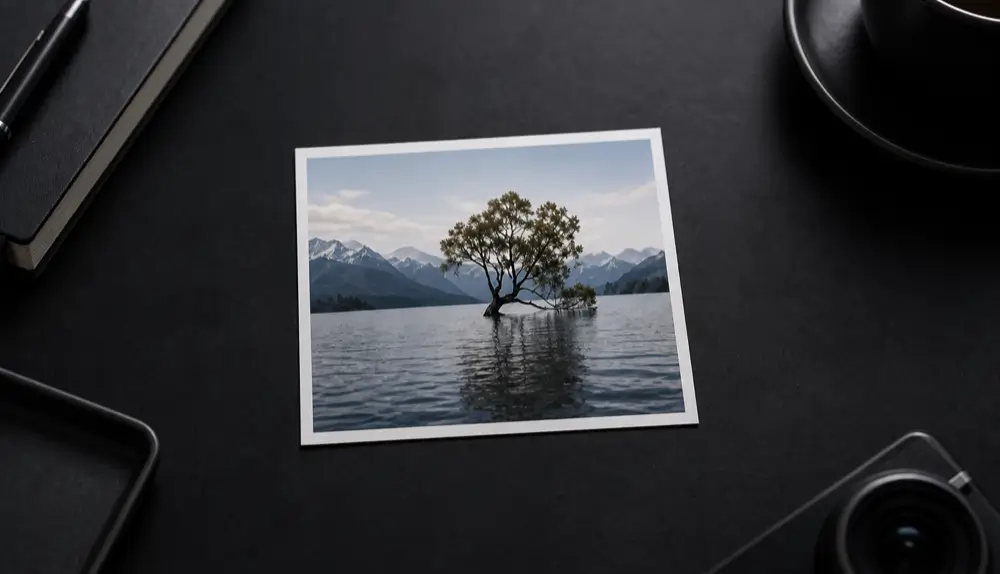
Before Before: A landscape photo extended outward, with the AI filling in matching water, sky and mountains.
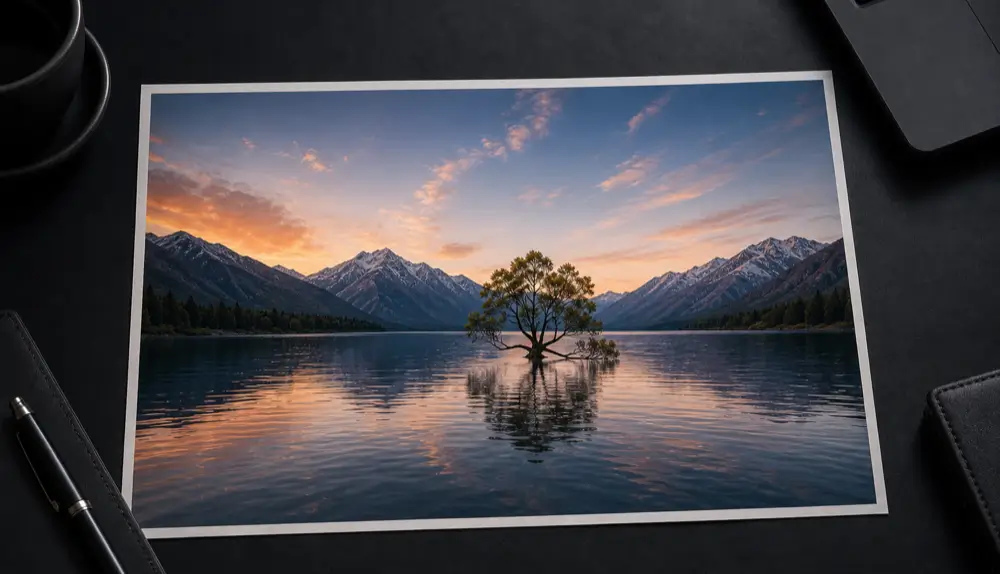
After After: A landscape photo extended outward, with the AI filling in matching water, sky and mountains.
A landscape photo extended outward, with the AI filling in matching water, sky and mountains.

Reframe without reshooting

Every platform wants a different shape: square posts, tall stories, wide banners. Cropping a photo to fit usually cuts off the subject. Extending it adds canvas instead, so you keep the whole subject and get the shape you need.

Ideas

  • Turn a horizontal travel photo into a vertical story.
  • Add breathing room around a product so you can place a headline.
  • Make a wider banner for a website or channel header.
  • Give a tightly cropped portrait space for printing and framing.

Tips

  • Give the AI a clean edge to work from: avoid photos where the subject is cut off right at the border.
  • Extend in one direction at a time for the most natural result.

Frequently asked questions

Does it change the original part of the photo?

The original area is kept. The AI only adds new content around it and blends the seam.

Which aspect ratios are supported?

Common sizes for social, video and print, including 1:1, 4:3, 3:4, 16:9 and 9:16.

What kinds of photos work best?

Scenes with natural backgrounds — sky, water, walls, landscapes, studio backdrops — extend most convincingly. Busy crowds and detailed architecture are harder.

Change the words. Keep the photo.

Qutu matches the original font, color and background, so your edit looks like it was always there.