
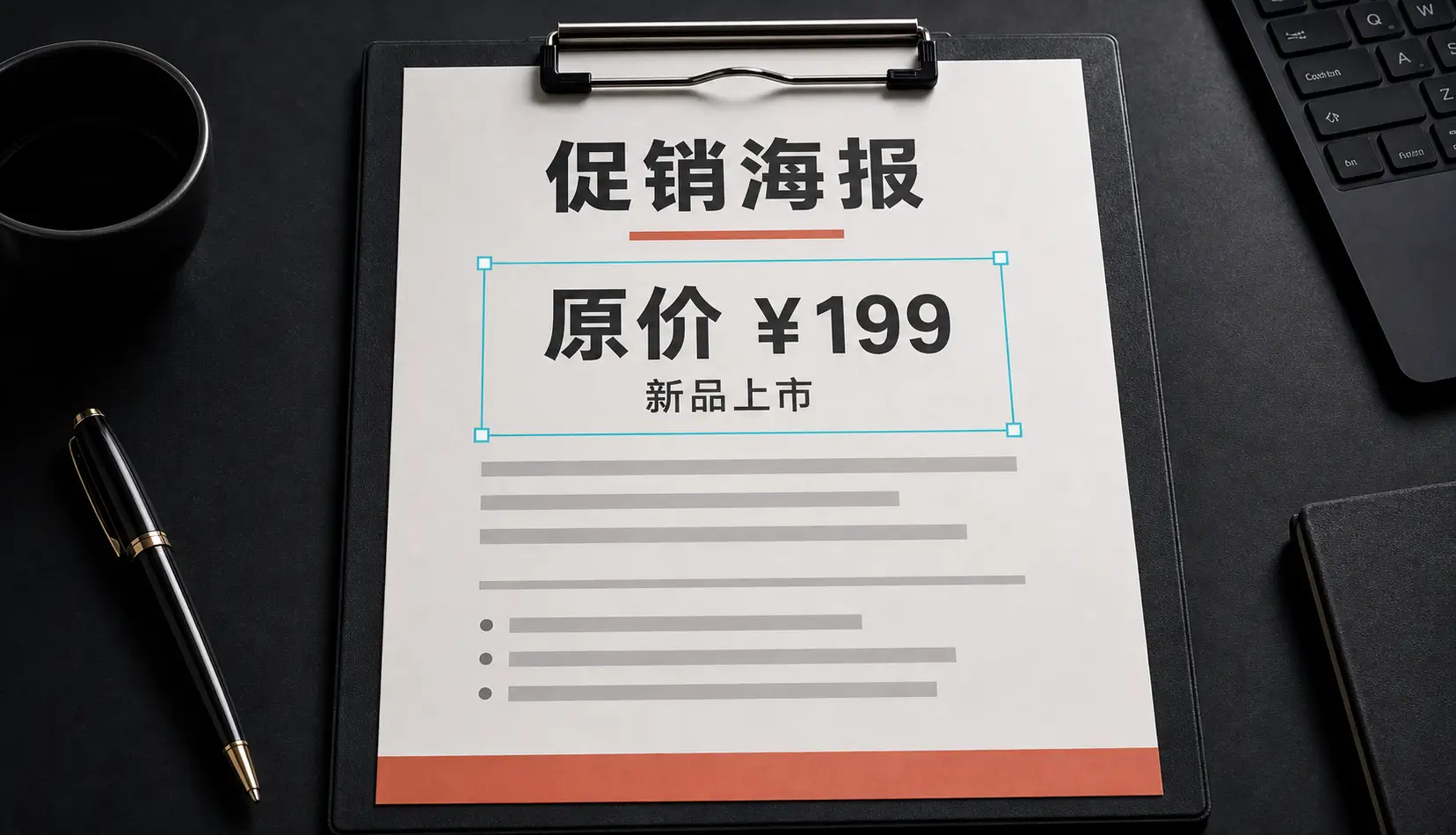
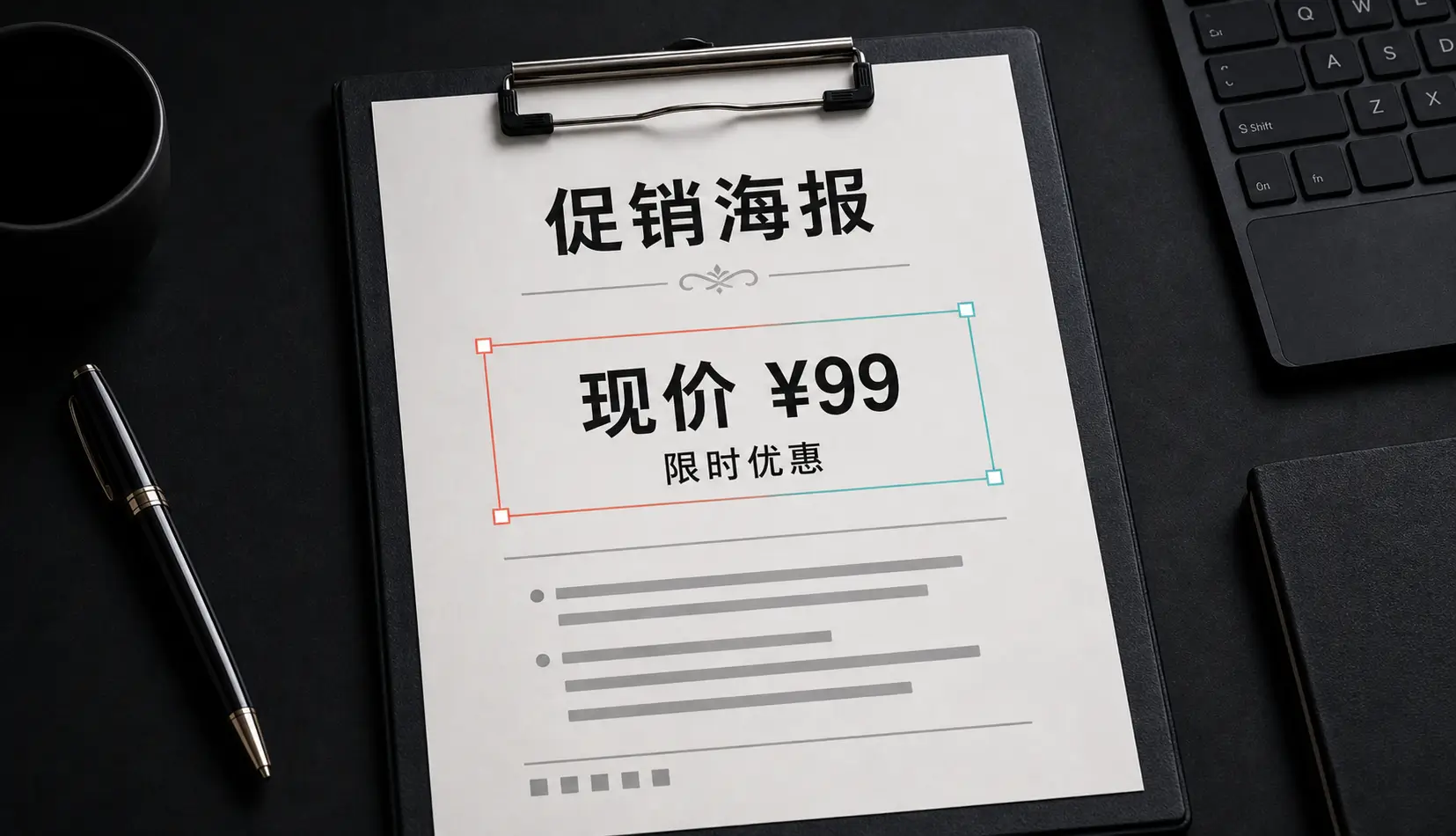
Why screenshots are hard to edit by hand
A screenshot is a flat picture. There is no text layer to click into, so the usual fix is to paint over the old words and type new ones on top — and then spend ten minutes trying to match the system font, the exact gray, and the letter spacing. Even when you get close, the edit tends to look pasted on.
Qutu skips that work. It detects the text, figures out how it was drawn, and re-renders the new words as if they had been there when the screenshot was taken.
Good uses
- Product docs and help articles — update a menu label or a version number without recapturing every screen.
- Slides and reports — correct a figure on a chart screenshot from last quarter.
- App store and marketing images — localize a headline or update a price you control.
- Personal screenshots — tidy up a note or a list before sharing it.
A quick checklist before you share
- Zoom in on the edited line and compare it with the line above or below it.
- If the line is much longer than the original, shorten the wording — the AI keeps the layout, so very long replacements get tight.
- Keep the original file in case you want to try different wording.
Use it responsibly
Only change screenshots you made or have the right to edit. Don’t alter messages, receipts, bank or account details, or anything presented as a record of what someone else said or did.